How can we help?
 Category - Inogen

Topics
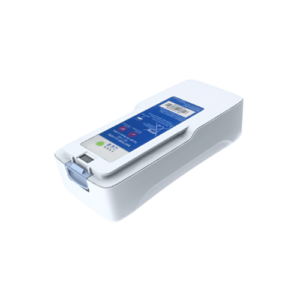
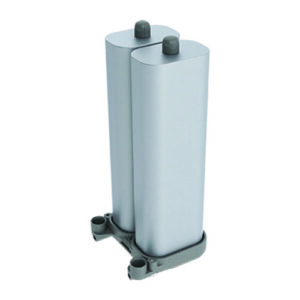
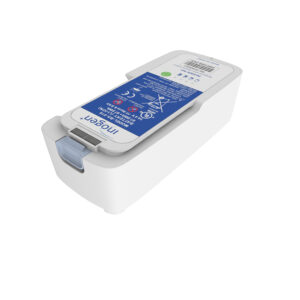
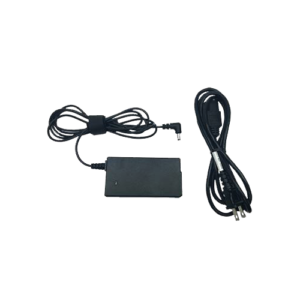
Parts available for end users to purchase online: Columns, batteries, AC wall chargers, DC car chargers, filters, cannula barb and replacement tubing (nasal cannulas etc.). The original purchaser of portable oxygen concentrator must contact the company they received it from. Portable oxygen concentrators are a prescription medical device by prescription only. The warranty etc. is…
Sub-categories
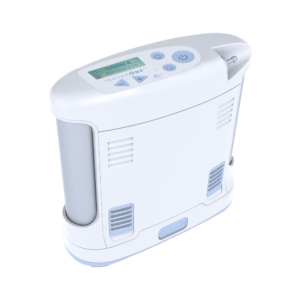
If your screen or display doesn’t come on and your Inogen One G4 portable oxygen concentrator is still running, you may need to perform a hard reset. Use the following steps to do a reset on your Inogen One G4. How to fix display screen not working on Inogen One G4 Remove the battery from…
Sometimes, when normal troubleshooting doesn’t work on your Inogen One G3 portable oxygen concentrator, you may need to perform a hard reset. Use the following steps to do a reset on your Inogen One G3. How to perform a hard reset on an Inogen One G3 Remove the battery from the machine. Make sure the…
If the battery won’t charge on your Inogen G3 portable oxygen concentrator, and you’re sure the battery is good, try the following steps. How to fix battery not charging on Inogen One G3 Plug your AC power supply into a wall plug. Look for the green light on the adapter (rectangular box) on the power…
What does yellow light blinking mean on an Inogen One G3 portable oxygen concentrator? If your POC is operating normally, a blinking yellow light on your Inogen One G3 usually means that the machine is not detecting breathing from you. How to fix yellow light blinking on Inogen One G3 Place the machine in front…
No, the Inogen One G3 portable oxygen concentrator only provides pulse dose. If you need a concentrator that provides continuous flow concentrator: For a portable concentrator that provides both pulse dose and continuous flow, we recommend the Liberty 2.0. If you only need a continuous flow unit for home use, visit our stationary concentrators page.…
To find out how old your Inogen One G3 portable oxygen concentrator is: Take the carry bag off the unit. Look on the lower back side of the machine for the serial number (S/N). The serial number is an 8-digit number. The first 2 numbers indicate the year it was made. The next 2 numbers…
Sometimes, when normal troubleshooting doesn’t work on your Inogen One G4 portable oxygen concentrator, you may need to perform a hard reset. Use the following steps to do a reset on your Inogen One G4. How to perform a hard reset on an Inogen One G3 Remove the battery from the machine. Make sure the…
No, a continuous flow oxygen concentrator is recommended for use with CPAP and BIPAP machines. The Inogen One G3 only provides pulse dose oxygen. If you need a concentrator that provides continuous flow concentrator: For a portable concentrator that provides both pulse dose and continuous flow, we recommend the Liberty 2.0. If you only need…
No, the Inogen one G3 portable oxygen concentrators is pulse dose only. If you need a concentrator that provides continuous flow concentrator: For a portable concentrator that provides both pulse dose and continuous flow, we recommend the Liberty 2.0. If you only need a continuous flow unit for home use, visit our stationary concentrators page. Feel free…
To check how much charge is remaining on your Inogen G4 battery when it’s not installed in the concentrator, press the green battery icon button. There are four battery lights indicating less than 10% to 100% which will light up to the left of the green battery button to show the level of charge remaining…
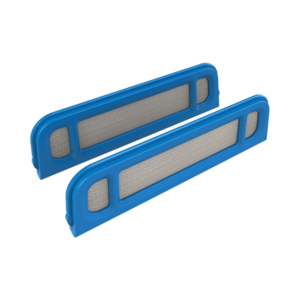
The OxyGo and Inogen portable oxygen concentrators have screen filters on the outside of the machine, they can be cleaned with a brush or washed with water. Only replace if missing or if the screen material is breaking down or damaged. There is also a filter on the output underneath the oxygen barb, this filter…
Parts available for end users to purchase online: Columns, batteries, AC wall chargers, DC car chargers, filters, cannula barb and replacement tubing (nasal cannulas etc.). The original purchaser of portable oxygen concentrator must contact the company they received it from. Portable oxygen concentrators are a prescription medical device by prescription only. The warranty etc. is…
The only maintenance for the user is cleaning the external screen filters on the outside of the machine. OxyGo and Inogen portable oxygen concentrators only need to be serviced if they malfunction.
Serial number. The first two numbers are the year it was manufactured and the next two the week.

Yes. The Inogen One® G4® is approved by the FAA (Federal Aviation Administration) for use on an airplane. To confirm, you can look on the back or bottom of your unit for a sticker that looks like the following: But, just because your POC is approved for in-flight use, you still need to be aware…
Changing the columns on your Inogen G4 is an easy but important thing you can do yourself at home to keep your POC running smoothly. How to tell when the Inogen G4 columns need to be replaced When it’s time to replace your columns, the Inogen G4 control panel will display a message that reads…
If the battery won’t charge on your Inogen G4 portable oxygen concentrator, and you’re sure the battery is good, try the following steps. How to fix battery not charging on Inogen One G4 Plug your AC power supply into a wall plug. Look for the green light on the adapter (rectangular box) on the power…
What does yellow light blinking mean on an Inogen One G4 portable oxygen concentrator? If your POC is operating normally, a blinking yellow light on your Inogen One G4 usually means that the machine is not detecting breathing from you. How to fix yellow light blinking on Inogen One G4 Place the machine in front…
If your screen or display doesn’t come on and your Inogen One G4 portable oxygen concentrator is still running, you may need to perform a hard reset. Use the following steps to do a reset on your Inogen One G4. How to fix display screen not working on Inogen One G4 Remove the battery from…
Sometimes, when normal troubleshooting doesn’t work on your Inogen One G4 portable oxygen concentrator, you may need to perform a hard reset. Use the following steps to do a reset on your Inogen One G4. How to perform a hard reset on an Inogen One G4 Remove the battery from the machine. Make sure the…
No, the Inogen One G4 portable oxygen concentrator only provides pulse dose. If you need a concentrator that provides continuous flow concentrator: For a portable concentrator that provides both pulse dose and continuous flow, we recommend the Liberty 2.0. If you only need a continuous flow unit for home use, visit our stationary concentrators page.…
To find out how old your Inogen One G4 portable oxygen concentrator is: Take the carry bag off the unit. Look on the lower back side of the machine for the serial number (S/N). The serial number is an 8-digit number. The first 2 numbers indicate the year it was made. The next 2 numbers…
No, a continuous flow oxygen concentrator is recommended for use with CPAP and BIPAP machines. The Inogen Rove 4 only provides pulse dose oxygen. If you need a concentrator that provides continuous flow concentrator: For a portable concentrator that provides both pulse dose and continuous flow, we recommend the Liberty 2.0. If you only need…
No, a continuous flow oxygen concentrator is recommended for use with CPAP and BIPAP machines. The Inogen One G4 only provides pulse dose oxygen. If you need a concentrator that provides continuous flow concentrator: For a portable concentrator that provides both pulse dose and continuous flow, we recommend the Liberty 2.0. If you only need…
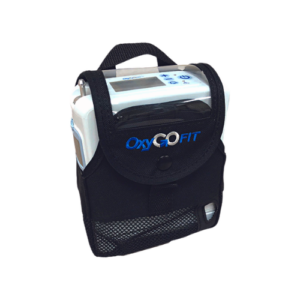
The OxyGo FIT and the Inogen One G4 are identical in build and functionality, and both the OxyGo FIT and Inogen One G4 are manufactured by Inogen at the Inogen factory. They are just sold under different names by different companies.
To check how much charge is remaining on your Inogen G4 battery when it’s not installed in the concentrator, press the green battery icon button. There are four battery lights indicating less than 10% to 100% which will light up to the left of the green battery button to show the level of charge remaining…
Following are the symbols and icons used by the Inogen G4 portable oxygen concentrator to communicate the power and battery status of your concentrator. These icons appear on the control panel screen, and it’s a good idea to familiarize yourself with the symbols, particularly the high-priority alert symbols, so you can immediately take action when you…
The OxyGo and Inogen portable oxygen concentrators have screen filters on the outside of the machine, they can be cleaned with a brush or washed with water. Only replace if missing or if the screen material is breaking down or damaged. There is also a filter on the output underneath the oxygen barb, this filter…
Parts available for end users to purchase online: Columns, batteries, AC wall chargers, DC car chargers, filters, cannula barb and replacement tubing (nasal cannulas etc.). The original purchaser of portable oxygen concentrator must contact the company they received it from. Portable oxygen concentrators are a prescription medical device by prescription only. The warranty etc. is…
The only maintenance for the user is cleaning the external screen filters on the outside of the machine. OxyGo and Inogen portable oxygen concentrators only need to be serviced if they malfunction.
Serial number. The first two numbers are the year it was manufactured and the next two the week.
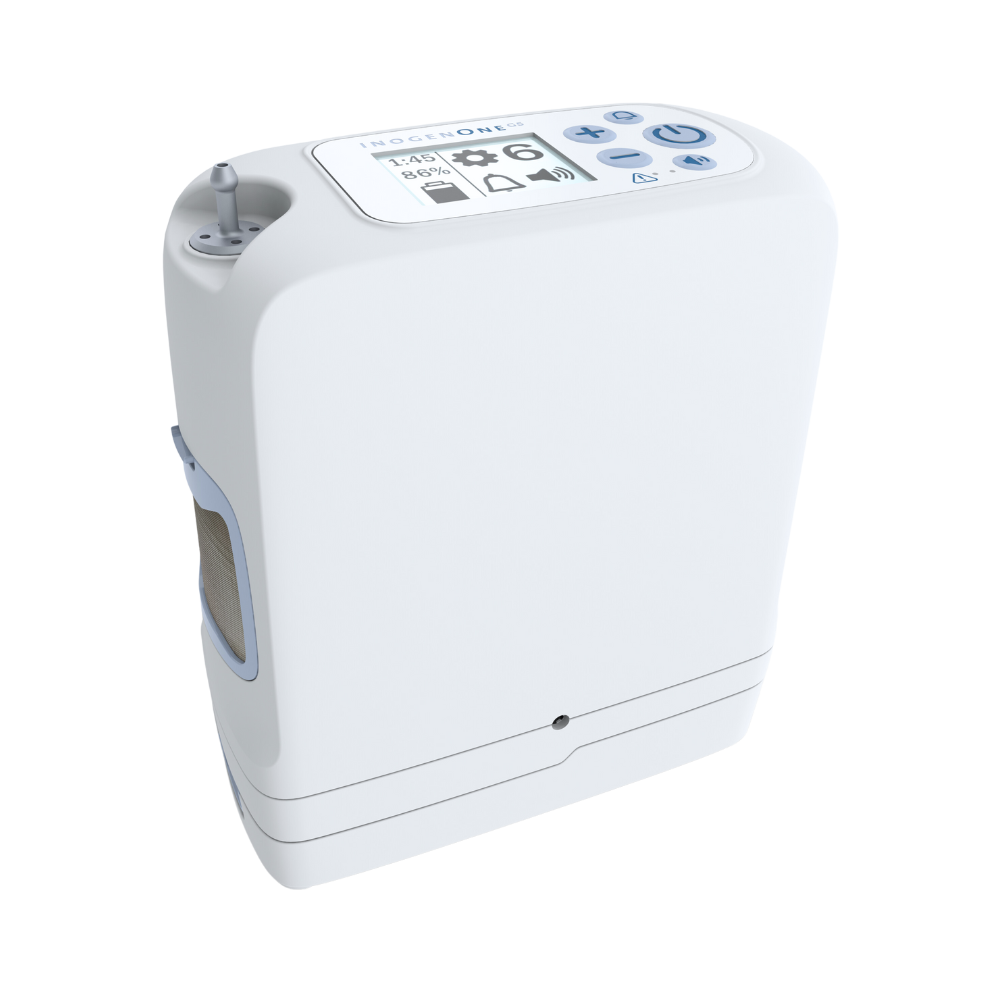
Yes. The Inogen One® G5® is approved by the FAA (Federal Aviation Administration) for use on an airplane. To confirm, you can look on the back or bottom of your unit for a sticker that looks like the following: But, just because your POC is approved for in-flight use, you still need to be aware…
# Description Function 1 ON / OFF Button Press once to turn “ON”; Press and hold for one second to turn “OFF”. 2 Flow Setting Control Buttons Use the – or + flow setting control buttons to select the setting as shown on the display. There are six settings, from 1 to 6. 3 Volume…
Changing the columns on your Inogen G5 is an easy but important thing you can do yourself at home to keep your POC running smoothly. How to tell when the Inogen G5 columns need to be replaced When it’s time to replace your columns, the Inogen G5 control panel will display the following icon. When…
If the battery won’t charge on your Inogen G5 portable oxygen concentrator, and you’re sure the battery is good, try the following steps. How to fix battery not charging on Inogen One G5 Plug your AC power supply into a wall plug. Look for the green light on the adapter (rectangular box) on the power…
What does yellow light blinking mean on an Inogen One G5 portable oxygen concentrator? If your POC is operating normally, a blinking yellow light on your Inogen One G5 usually means that the machine is not detecting breathing from you. How to fix yellow light blinking on Inogen One G5 Place the machine in front…
If your screen or display doesn’t come on and your Inogen One G5 portable oxygen concentrator is still running, you may need to perform a hard reset. Use the following steps to do a reset on your Inogen One G5. How to fix display screen not working on Inogen One G5 Remove the battery from…
Sometimes, when normal troubleshooting doesn’t work on your Inogen One G5 portable oxygen concentrator, you may need to perform a hard reset. Use the following steps to do a reset on your Inogen One G5. How to perform a hard reset on an Inogen One G5 Remove the battery from the machine. Make sure the…
What does yellow light blinking mean on an Inogen One G3 portable oxygen concentrator? If your POC is operating normally, a blinking yellow light on your Inogen One G3 usually means that the machine is not detecting breathing from you. How to fix yellow light blinking on Inogen One G3 Place the machine in front…
No, the Inogen One G5 portable oxygen concentrator only provides pulse dose. If you need a concentrator that provides continuous flow concentrator: For a portable concentrator that provides both pulse dose and continuous flow, we recommend the Liberty 2.0. If you only need a continuous flow unit for home use, visit our stationary concentrators page.…
To find out how old your Inogen One G5 portable oxygen concentrator is: Take the carry bag off the unit. Look on the lower back side of the machine for the serial number (S/N). The serial number is an 8-digit number. The first 2 numbers indicate the year it was made. The next 2 numbers…
No, a continuous flow oxygen concentrator is recommended for use with CPAP and BIPAP machines. The Inogen One G5 only provides pulse dose oxygen. If you need a concentrator that provides continuous flow concentrator: For a portable concentrator that provides both pulse dose and continuous flow, we recommend the Liberty 2.0. If you only need…
The OxyGo NEXT and the Inogen One G5 are identical in build and functionality, and both the OxyGo NEXT and Inogen Oone G5 are manufactured by Inogen at the Inogen factory. They are just sold under different names by different companies with differing warranty policies. The difference between OxyGo NEXT and Inogen One G5 The…
Following are the symbols and icons used by the Inogen G5 portable oxygen concentrator to communicate the power and battery status of your concentrator. These icons appear on the control panel screen, and it’s a good idea to familiarize yourself with the symbols, particularly the high-priority alert symbols, so you can immediately take action when you…
To check how much charge is remaining on your Inogen G5 battery when it’s not installed in the concentrator, press the green battery icon button. There are four battery lights indicating less than 10% to 100% which will light up to the left of the green battery button to show the level of charge remaining…
The OxyGo and Inogen portable oxygen concentrators have screen filters on the outside of the machine, they can be cleaned with a brush or washed with water. Only replace if missing or if the screen material is breaking down or damaged. There is also a filter on the output underneath the oxygen barb, this filter…
Parts available for end users to purchase online: Columns, batteries, AC wall chargers, DC car chargers, filters, cannula barb and replacement tubing (nasal cannulas etc.). The original purchaser of portable oxygen concentrator must contact the company they received it from. Portable oxygen concentrators are a prescription medical device by prescription only. The warranty etc. is…
The only maintenance for the user is cleaning the external screen filters on the outside of the machine. OxyGo and Inogen portable oxygen concentrators only need to be serviced if they malfunction.
Serial number. The first two numbers are the year it was manufactured and the next two the week.

Yes. The Inogen® Rove 4® is approved by the FAA (Federal Aviation Administration) for use on an airplane. To confirm, you can look on the back or bottom of your unit for a sticker that looks like the following: But, just because your POC is approved for in-flight use, you still need to be aware…
If the battery won’t charge on your Inogen Rove 4 portable oxygen concentrator, and you’re sure the battery is good, try the following steps. How to fix battery not charging on Inogen Rove 6 Plug your AC power supply into a wall plug. Look for the green light on the adapter (rectangular box) on the…
What does yellow light blinking mean on an Inogen Rove 4 portable oxygen concentrator? If your POC is operating normally, a blinking yellow light on your Inogen Rove 4 usually means that the machine is not detecting breathing from you. How to fix yellow light blinking on Inogen Rove 4 Place the machine in front…
Sometimes, when normal troubleshooting doesn’t work on your Inogen Rove 4 portable oxygen concentrator, you may need to perform a hard reset. Use the following steps to do a reset on your Inogen Rove 4. How to perform a hard reset on an Inogen Rove 4 Remove the battery from the machine. Make sure the…
If your screen or display doesn’t come on and your Inogen Rove 4 portable oxygen concentrator is still running, you may need to perform a hard reset. Use the following steps to do a reset on your Inogen Rove 4. How to fix display screen not working on Inogen Rove 4 Remove the battery from…
No, the Inogen Rove 4 portable oxygen concentrator only provides pulse dose. If you need a concentrator that provides continuous flow concentrator: For a portable concentrator that provides both pulse dose and continuous flow, we recommend the Liberty 2.0. If you only need a continuous flow unit for home use, visit our stationary concentrators page.…
To find out how old your Inogen Rove 4 portable oxygen concentrator is: Take the carry bag off the unit. Look on the lower back side of the machine for the serial number (S/N). The serial number is an 8-digit number. The first 2 numbers indicate the year it was made. The next 2 numbers…
To check how much charge is remaining on your Inogen Rove 4battery when it’s not installed in the concentrator, press the green battery icon button. There are four battery lights indicating less than 10% to 100% which will light up to the left of the green battery button to show the level of charge remaining…
Following are the symbols and icons used by the Inogen Rove 4 portable oxygen concentrator to communicate the power and battery status of your concentrator. These icons appear on the control panel screen, and it’s a good idea to familiarize yourself with the symbols, particularly the medium-priority alert symbols, so you can immediately take action when…
Inogen Rove 4 setup video Inogen Rove 4 getting started instructions Step 1 Slide on a compatible battery and make sure your concentrator is in a well-ventilated location. Step 2 Connect your concentrator to AC power. Step 3 Connect an appropriate cannula to your concentrator. Step 4 Press and hold the power button to turn…
The OxyGo and Inogen portable oxygen concentrators have screen filters on the outside of the machine, they can be cleaned with a brush or washed with water. Only replace if missing or if the screen material is breaking down or damaged. There is also a filter on the output underneath the oxygen barb, this filter…
Parts available for end users to purchase online: Columns, batteries, AC wall chargers, DC car chargers, filters, cannula barb and replacement tubing (nasal cannulas etc.). The original purchaser of portable oxygen concentrator must contact the company they received it from. Portable oxygen concentrators are a prescription medical device by prescription only. The warranty etc. is…
The only maintenance for the user is cleaning the external screen filters on the outside of the machine. OxyGo and Inogen portable oxygen concentrators only need to be serviced if they malfunction.
Serial number. The first two numbers are the year it was manufactured and the next two the week.
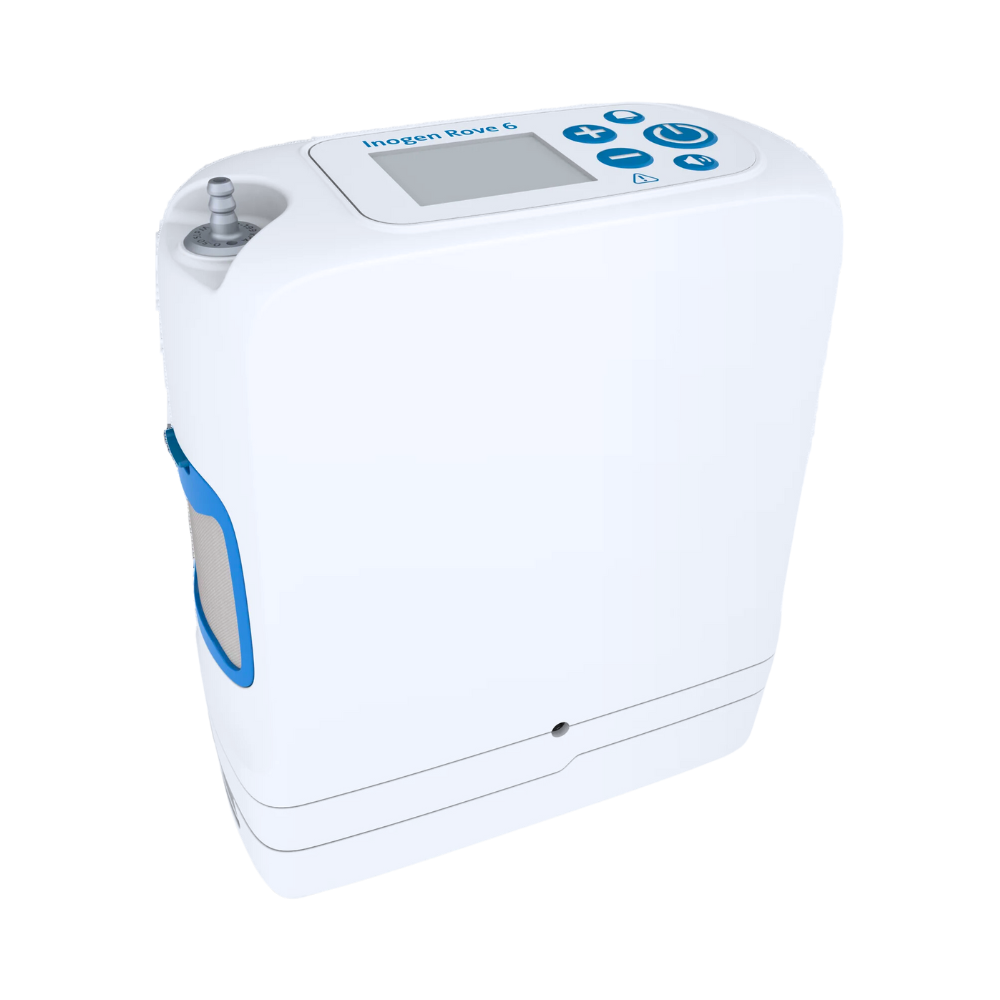
Yes. The Inogen® Rove 6® is approved by the FAA (Federal Aviation Administration) for use on an airplane. To confirm, you can look on the back or bottom of your unit for a sticker that looks like the following: But, just because your POC is approved for in-flight use, you still need to be aware…
Changing the columns on your Inogen Rove 6 is an easy but important thing you can do yourself at home to keep your POC running smoothly. How to tell when the Inogen Rove 6 columns need to be replaced When it’s time to replace your columns, the Inogen Rove 6 control panel will display the…
If the battery won’t charge on your Inogen Rove 6 portable oxygen concentrator, and you’re sure the battery is good, try the following steps. How to fix battery not charging on Inogen Rove 6 Plug your AC power supply into a wall plug. Look for the green light on the adapter (rectangular box) on the…
What does yellow light blinking mean on an Inogen Rove 6 portable oxygen concentrator? If your POC is operating normally, a blinking yellow light on your Inogen Rove 6 usually means that the machine is not detecting breathing from you. How to fix yellow light blinking on Inogen Rove 6 Place the machine in front…
If your screen or display doesn’t come on and your Inogen Rove 6 portable oxygen concentrator is still running, you may need to perform a hard reset. Use the following steps to do a reset on your Inogen Rove 6. How to fix display screen not working on Inogen Rove 6 Remove the battery from…
Sometimes, when normal troubleshooting doesn’t work on your Inogen Rove 6 portable oxygen concentrator, you may need to perform a hard reset. Use the following steps to do a reset on your Inogen Rove 6. How to perform a hard reset on an Inogen Rove 6 Remove the battery from the machine. Make sure the…
No, the Inogen Rove 6 portable oxygen concentrator only provides pulse dose. If you need a concentrator that provides continuous flow concentrator: For a portable concentrator that provides both pulse dose and continuous flow, we recommend the Liberty 2.0. If you only need a continuous flow unit for home use, visit our stationary concentrators page.…
To find out how old your Inogen Rove 6 portable oxygen concentrator is: Take the carry bag off the unit. Look on the lower back side of the machine for the serial number (S/N). The serial number is an 8-digit number. The first 2 numbers indicate the year it was made. The next 2 numbers…
No, a continuous flow oxygen concentrator is recommended for use with CPAP and BIPAP machines. The Inogen Rove 6 only provides pulse dose oxygen. If you need a concentrator that provides continuous flow concentrator: For a portable concentrator that provides both pulse dose and continuous flow, we recommend the Liberty 2.0. If you only need…
Following are the symbols and icons used by the Inogen Rove 6 portable oxygen concentrator to communicate the power and battery status of your concentrator. These icons appear on the control panel screen, and it’s a good idea to familiarize yourself with the symbols, particularly the high-priority alert symbols, so you can immediately take action when…
To check how much charge is remaining on your Inogen Rove 6 battery when it’s not installed in the concentrator, press the green battery icon button. There are four battery lights indicating less than 10% to 100% which will light up to the left of the green battery button to show the level of charge…
The OxyGo and Inogen portable oxygen concentrators have screen filters on the outside of the machine, they can be cleaned with a brush or washed with water. Only replace if missing or if the screen material is breaking down or damaged. There is also a filter on the output underneath the oxygen barb, this filter…
Parts available for end users to purchase online: Columns, batteries, AC wall chargers, DC car chargers, filters, cannula barb and replacement tubing (nasal cannulas etc.). The original purchaser of portable oxygen concentrator must contact the company they received it from. Portable oxygen concentrators are a prescription medical device by prescription only. The warranty etc. is…
The only maintenance for the user is cleaning the external screen filters on the outside of the machine. OxyGo and Inogen portable oxygen concentrators only need to be serviced if they malfunction.
Serial number. The first two numbers are the year it was manufactured and the next two the week.

Parts available for end users to purchase online: Columns, batteries, AC wall chargers, DC car chargers, filters, cannula barb and replacement tubing (nasal cannulas etc.). The original purchaser of portable oxygen concentrator must contact the company they received it from. Portable oxygen concentrators are a prescription medical device by prescription only. The warranty etc. is…

Parts available for end users to purchase online: Columns, batteries, AC wall chargers, DC car chargers, filters, cannula barb and replacement tubing (nasal cannulas etc.). The original purchaser of portable oxygen concentrator must contact the company they received it from. Portable oxygen concentrators are a prescription medical device by prescription only. The warranty etc. is…