
How to change the columns (sieve beds) on the OxyGo NEXT?
Changing the columns on your OxyGo NEXT is an easy but important thing you can do yourself at home to keep your POC running smoothly.
How to tell when the OxyGo NEXT columns need to be replaced
When it’s time to replace your columns, the OxyGo NEXT control panel will display the following icon.

When you see this indicator, you should immediately order your replacement OxyGo NEXT columns, which are available in our online shop and normally arrive in 2–3 working days.
After you receive your columns, follow these steps to replace your columns at home.
Instructions for replacing your OxyGo NEXT columns
Step 1
Turn off the OxyGo NEXT concentrator by pressing the power button to shut
down the device.
Step 2
Remove the OxyGo NEXT concentrator from the carry case.
Step 3
Remove the battery from the OxyGo NEXT concentrator.
Step 4
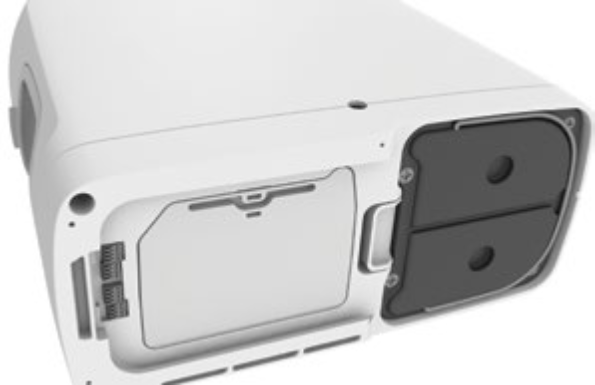
Place the OxyGo NEXT concentrator on its side so that the underside is visible. The metal column assembly can be seen on one side of the device.
Step 5
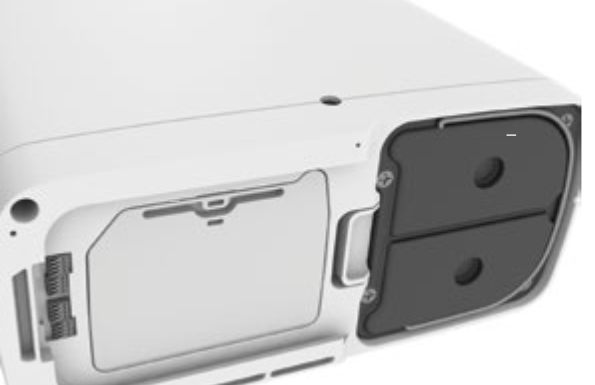
Unlock the column assembly by pushing the latch button away from the columns.
Step 6
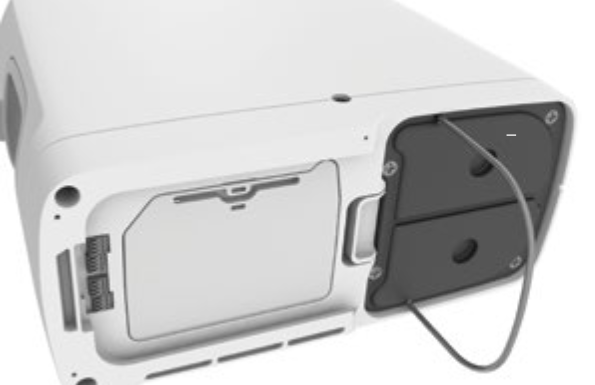
While holding the button open, slide the column assembly out of the device by pulling on the column pull handle.
Step 7
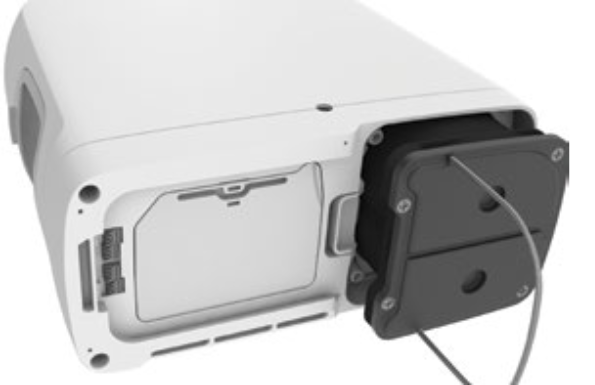
Remove the columns completely from the OxyGo NEXT. Both columns are removed as one piece.
Step 8
Column (metal tube) Installation: Remove dust caps of new column assembly. Make sure there is no dust or debris where the dust caps were located.
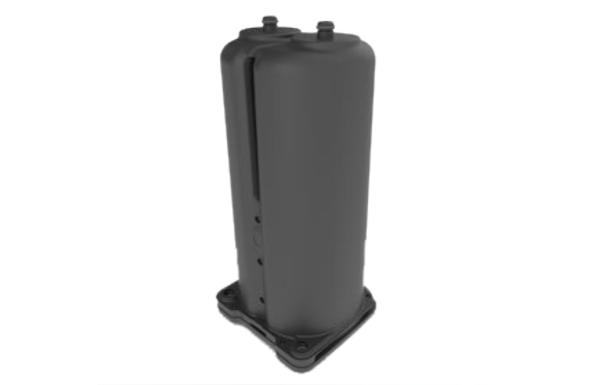
Step 9
Insert column assembly into the OxyGo NEXT concentrator. DO NOT leave the column ends exposed; column assembly should be inserted into the OxyGo NEXT as soon as the dust caps have been removed.
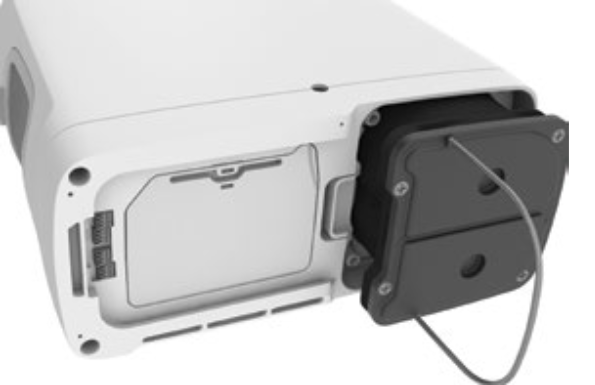
Step 10
Push the column assembly into the device such that the columns are fully seated into the OxyGo NEXT concentrator. The spring-loaded latch button should fully return to the closed position.
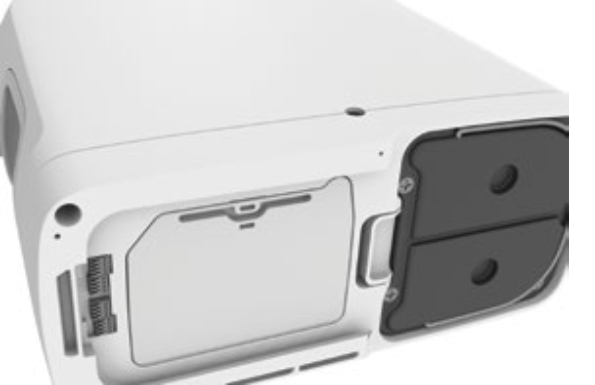
Step 11
Connect the AC power supply cord to the OxyGo NEXT and plug the power supply AC cord into an electrical outlet. DO NOT power on the concentrator.
The following steps can be done by pressing specific buttons on the device’s screen or within the My OxyGo App.
Steps from your device’s display:
1. Press and hold the plus (+) and (-) minus button for 5 seconds. The screen will display the following informational icon.
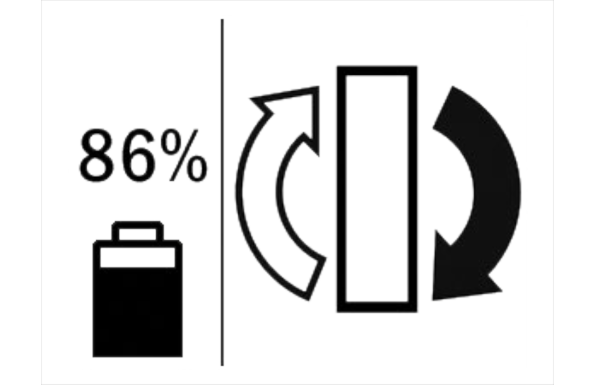
2. Release the button once icon is displayed on screen.
3. Press the alert button once.

4. The screen will display the following informational icons.
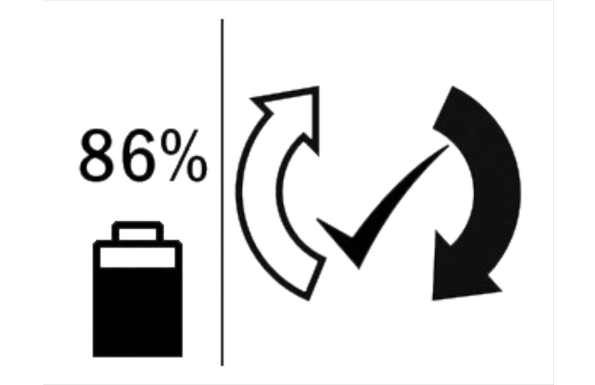
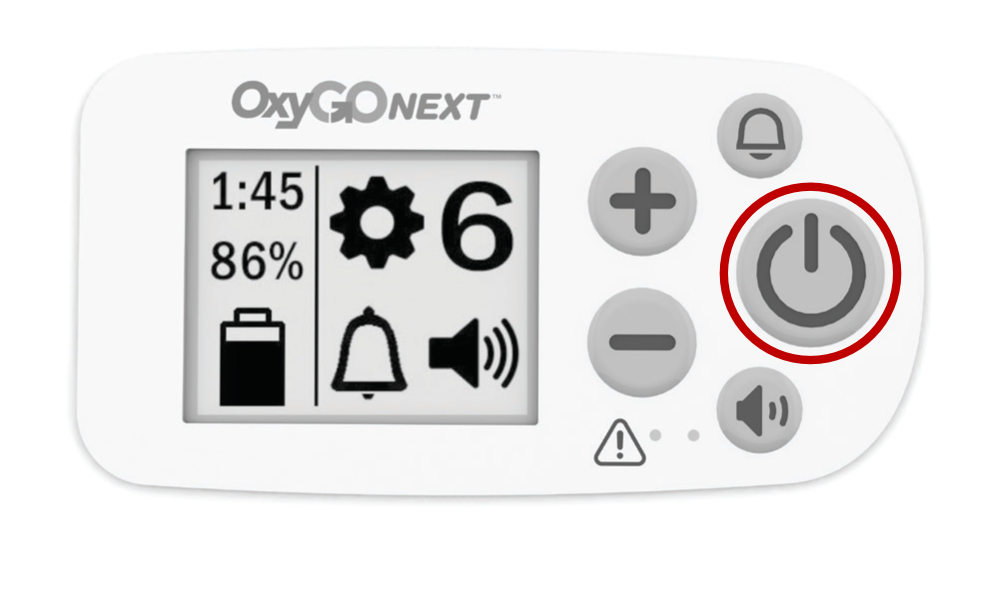
5. Press the power button to turn on the Inogen G5 and use normally.
Steps using Inogen Connect app:
In the Inogen Connect app:
1. Go to the Advanced screen.
2. Go to Additional Information screen.
3. Select the Column Reset button.

We carry only genuine parts

Don't risk damaging your machine with 3rd party accessories parts that may not fit properly. We carry all the genuine parts and accessories for your Inogen and Oxygo concentrator. If you can't find a part or accessory on our website, feel free to get in touch with us to help you find what you need.